Is RuneScape on Xbox, PS5, or Switch? Every Platform, Plus RuneScape 4 (2026)
RuneScape and Old School RuneScape are not on console, but RuneScape: Dragonwilds is on Xbox Series X|S, PS5, and Switch 2. See every platform for ...


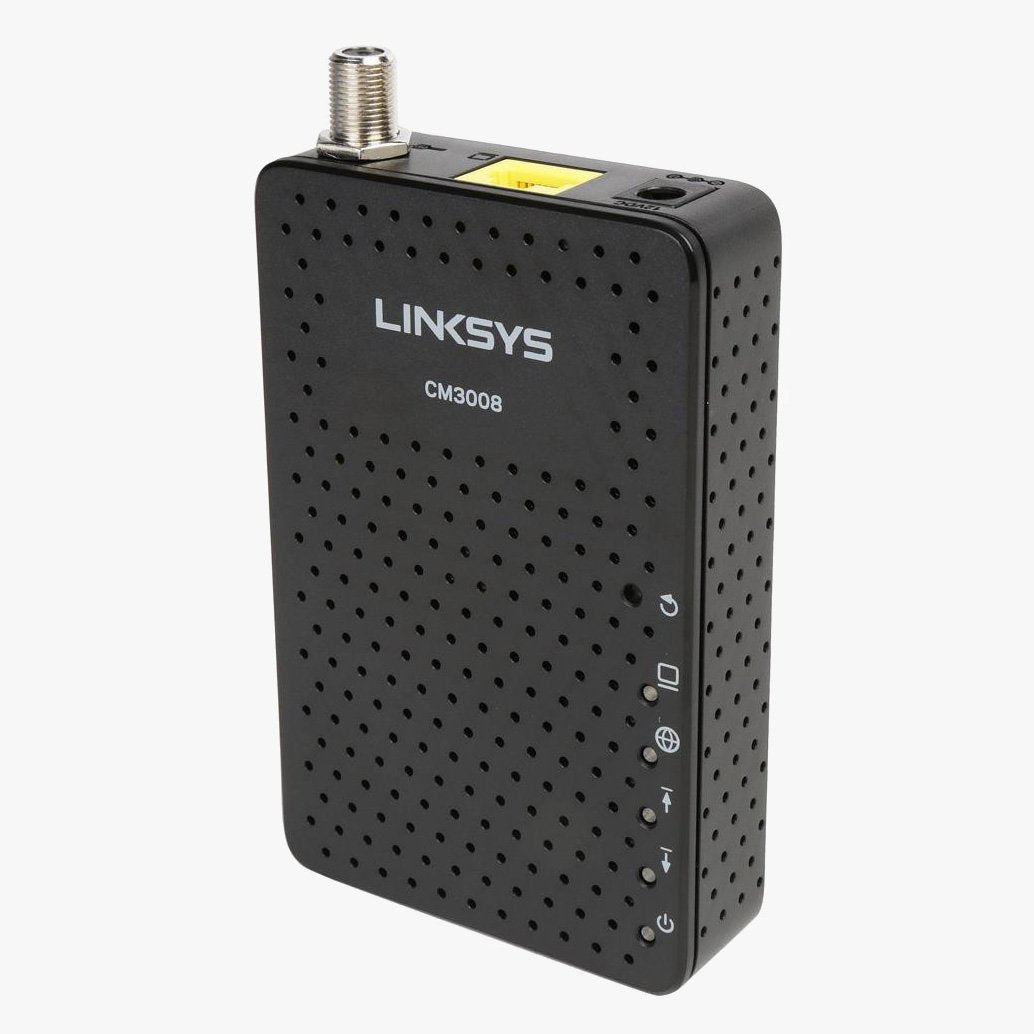
The Linksys CM3008 Cable Modem delivers high-speed and stable internet connectivity for broadband subscription plans of up to 100 Mbps. Here's what you need to know:
High-Speed Connectivity for Existing Internet Plans:
Compatible with All Major Cable Providers:
Maximize Your Internet Connectivity:
Design and Setup:
Conclusion: Invest in better internet with the CM3008 Cable Modem, designed for existing internet plans up to 100 Mbps. Certified by all major cable providers, it eliminates monthly modem rental fees. With high-speed connectivity, the Intel Puma 5 chipset, and easy setup, the CM3008 is the perfect choice for streaming, surfing, and enjoying a seamless online experience.
*Speeds may vary depending on your internet plan and service provider. **Maximum transfer rates may vary depending on your existing cable lines and other factors.
What's Included:
Compatibility with Your Internet Company: The Linksys CM3008 cable modem is primarily used and compatible with Comcast Xfinity, Charter, Cablevision, Time Warner, Spectrum, and Cox services in most areas. Always verify compatibility with your service provider's customer service before purchase.

RuneScape and Old School RuneScape are not on console, but RuneScape: Dragonwilds is on Xbox Series X|S, PS5, and Switch 2. See every platform for ...
October is Cybersecurity Awareness Month, and the advice that matters fits on one page. Here are the four habits CISA wants everyone to adopt in 20...

In April 2026 the FBI took over thousands of hijacked home routers and the NSA told everyone to reboot theirs weekly. Here is what was going on, wh...

Changing your WiFi password takes about two minutes once you know where the setting lives. Here is where to find it on every major router brand and...

Thirty travel routers from TP-Link, GL.iNet, ASUS, NETGEAR, Cudy, Ubiquiti, InHand and the top-selling hotspot brands, compared on WiFi standard, w...
Find the DNS setting on your exact router, with admin addresses and menu paths for Netgear, Orbi, TP-Link, Deco, ASUS, Linksys, eero, and Google Ne...