Refurbished Wireless Routers from Netgear, TP-Link, and ASUS
A standalone wireless router is the fastest upgrade most home networks can get. Unlike a modem, a router is not tied to any internet provider: it plugs into your existing modem or fiber ONT over Ethernet and takes over the WiFi, so the same router works on Xfinity, Spectrum, CenturyLink, Fios, or any other service. This collection covers the full range, from budget dual-band models to WiFi 7 flagships, along with mesh systems, gaming routers, travel routers, and access points.
If you are renting a gateway from your provider, you are paying monthly for WiFi that a mid-range router from this collection will usually outperform. Pair your own router with your own modem and the rental fee disappears while the coverage improves.
Why Buy Refurbished Routers from ModemGuides
Flagship routers lose price much faster than they lose performance, so refurbished is where the value lives: recent-generation hardware at a fraction of retail. Every router we sell is Grade A refurbished, tested by hand in the US, reset to factory settings, and backed by a 90-day full-coverage warranty, with US-based support by chat and email if you need a hand with setup.
Pick Your WiFi Generation
-
WiFi 4 and WiFi 5 (N/AC): The budget tier, ideal for apartments, light use, rentals, and guest networks. Models like the TP-Link Archer C7 cost less than a single year of gateway rental.
-
WiFi 6 (AX): The sweet spot for most homes in 2026: better handling of many devices, stronger range, and support for plans up to a gigabit. The Archer AX55 and ASUS RT-AX58U are popular picks.
-
WiFi 6E: Adds the uncongested 6 GHz band. The Nighthawk RAXE300 suits crowded apartment buildings and busy smart homes.
-
WiFi 7 (BE): The current flagship generation, built for multi-gig plans and dozens of devices, with Multi-Link Operation for lower latency. Options run from the budget Archer BE230 up to the Nighthawk RS700S.
Not sure where to land? Our best routers of 2026 roundup ranks the top picks for every budget, and our WiFi 7 router guide goes deep on the newest generation.
Shop Routers by Type
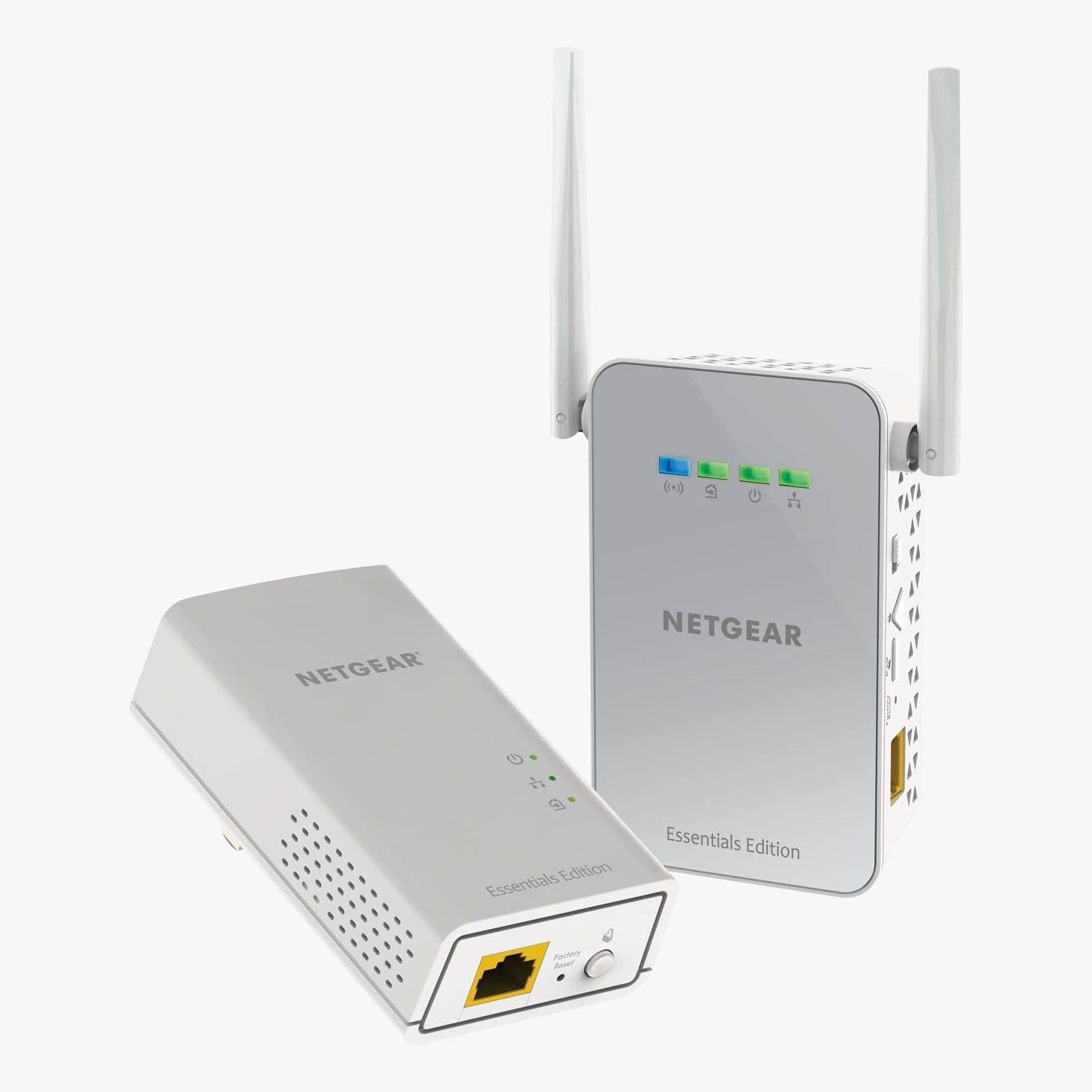
Browse the sub-collection that matches your setup: dual-band routers for everyday homes, tri-band routers for busy networks, gigabit routers for fast plans, gaming routers with latency-focused QoS, mesh network systems for whole-home coverage, and business routers with VPN support. Dealing with one stubborn dead zone instead? A WiFi range extender may be the cheaper fix.
Router, Modem, or Both?
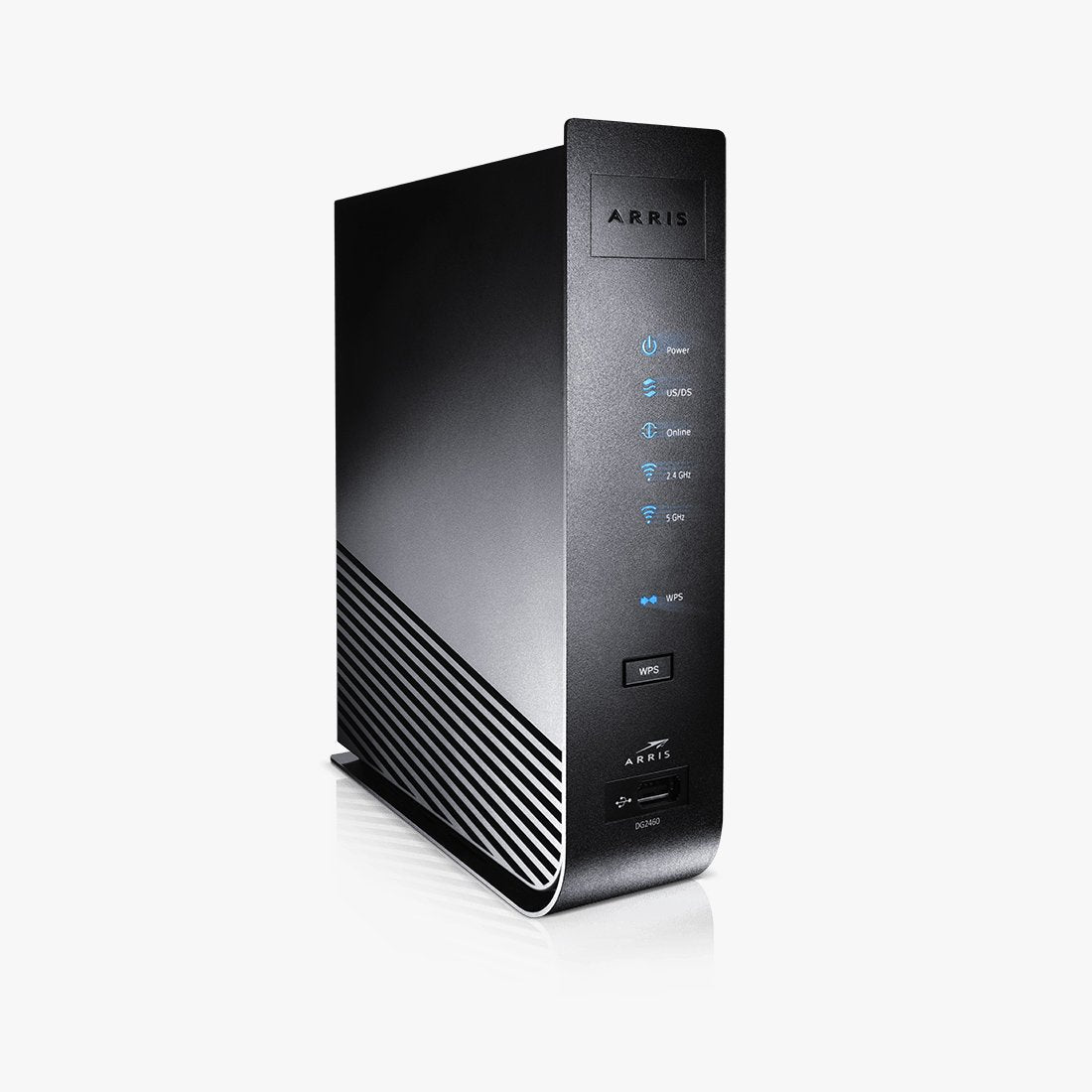
On cable or DSL internet you need both a modem and a router, or a combo unit that does both jobs. On fiber, the provider's ONT replaces the modem and your router plugs straight into it. If you still need the modem half, start with our cable modems or DSL modems, or grab an all-in-one from the modem router combos collection. And if your current router keeps dropping connections or rebooting itself, our guide on how long modems and routers last covers the signs it is time to replace it.
Frequently Asked Questions
Do I need a modem and a router?
On cable and DSL internet, yes: the modem talks to your provider and the router creates your home network. On fiber, the ONT your provider installs does the modem's job, so you only add a router. Combo gateways merge both into one box.
What is the difference between WiFi 5, WiFi 6, and WiFi 7?
Each generation adds speed and capacity. WiFi 5 covers everyday browsing and streaming, WiFi 6 handles device-heavy homes and gigabit plans, and WiFi 7 adds the 6 GHz band, wider channels, and Multi-Link Operation for multi-gig plans and the lowest latency.
Will any wireless router work with my internet provider?
Yes. A standalone router connects to your modem or ONT over Ethernet, so it is provider-agnostic. Compatibility only becomes a question with modems and combo gateways, which is where our provider collections come in.
Is a refurbished router worth it?
Usually more so than a new budget model. A refurbished flagship gives you stronger hardware, more antennas, and typically longer firmware support than a new router at the same price, and ours carry a 90-day warranty either way.
Questions about a specific model or your setup? Our US-based support team can help before you order.




 Wireless Routers
 Cable Modems
 DSL Modems
 WiFi Range Extenders

