Can You Run Bonsai 2 27B Locally? A 27B Model in 6GB, With Three Catches
Bonsai 2 27B packs Qwen3.8-27B into 6GB. We checked the hardware it runs on, the runtimes it does not, and what the 98.2% figure leaves out.


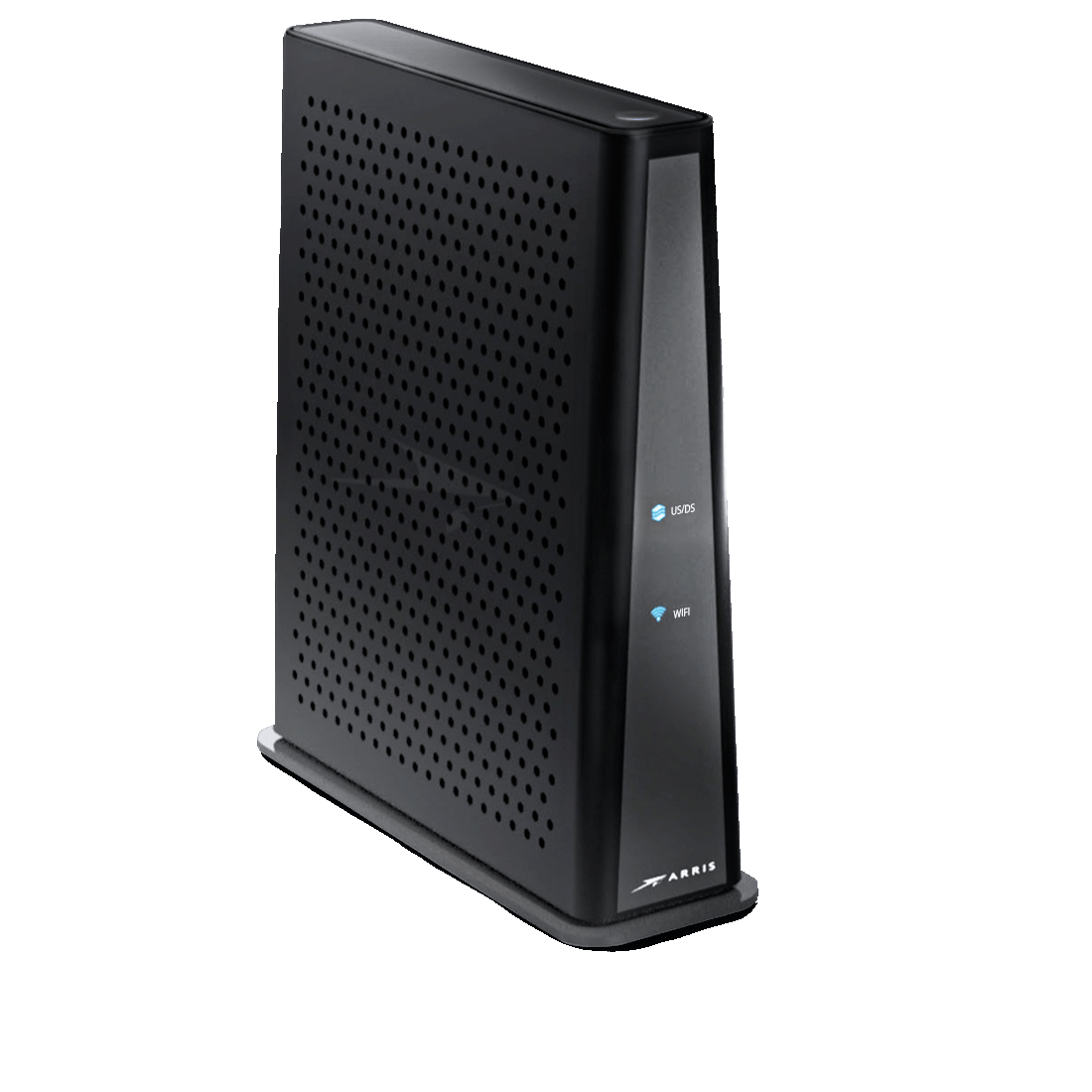
Upgrade your home networking with the Arris TG3452, built with advanced DOCSIS 3.1 technology. Featuring 2x192 MHz OFDM downstream, 2x96MHz OFDMA upstream, and 32x8 channel bonding, this gateway delivers broadband speeds up to 2.5 Gbps.
The TG3452 combines two FXS ports of carrier-grade VoIP, a 4-port gigabit router, and a dual-band 802.11n/802.11ac Wave2 wireless access point into one powerful device, streamlining your home network setup.
Multiple provisioning methods (SNMP, configuration file, remote web GUI access, TFTP, and TR-069) and different access levels (user, admin, etc.) allow for flexible configuration and network control.
Primarily compatible with WOW! and Mediacom services, the TG3452 delivers top-tier performance for these providers. Always confirm with your service provider before purchase.
The Arris TG3452 is engineered to meet demanding home networking needs, providing high-speed data, voice, and IP video to both wired and wireless devices.
This modem is primarily used with WOW! and Mediacom services. Contact your provider before ordering to confirm compatibility with your plan and location.

Bonsai 2 27B packs Qwen3.8-27B into 6GB. We checked the hardware it runs on, the runtimes it does not, and what the 98.2% figure leaves out.
Every Orbi series from the original RBK50 to the WiFi 7 970, side by side in one filterable chart. Coverage, speed, ports, backhaul, Armor, parenta...
NETGEAR sells three WiFi 7 Orbi systems at three very different prices. Here is what the extra money buys, and why most homes land on the 770.
Restarting your router fixes most slowdowns and dropped connections in about three minutes, and it keeps every setting intact. Here is the right or...
The S33 and S34 are the same modem except for one thing: the S34 supports mid-split uploads. Whether that matters depends entirely on your plan and...

Deco BE63 vs Orbi 770 is closer than the price gap suggests. One spec table, three 3-packs, and a WiFi 6 alternative for homes that do not need WiF...