What is Bufferbloat? The Real Reason You Lag in Games (And How to Fix It).
Do you have gigabit internet but still lag in games? The problem usually isn't your speed—it's bufferbloat. In this guide, we explain why your rout...


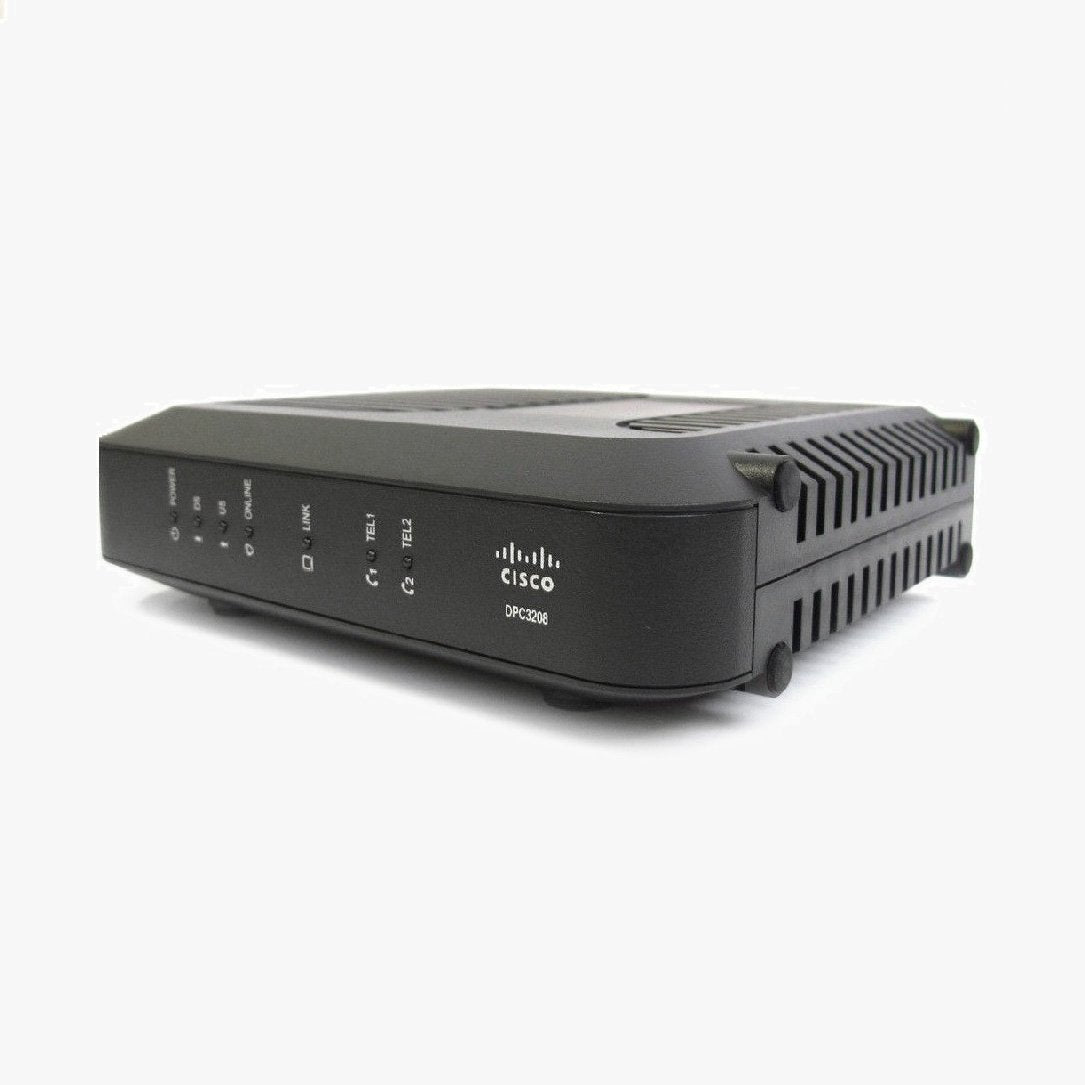
The Cisco® Model DPC3208 DOCSIS 3.0 8x4 Cable Modem (DPC3208) is a high-speed cable modem with an embedded digital voice adapter. The DPC3208 provides a faster connection to the Internet by incorporating eight bonded downstream channels along with four bonded upstream channels. These bonded channels deliver downstream data rates in excess of 340 Mbps. That’s up to eight times faster than conventional single channel DOCSIS® 2.0 cable modems. The DPC3208 uses advanced line-interface technology to provide multi-country, toll-quality telephone service using existing in-home wiring. The DPC3208 features single-line or two RJ-11 telephone ports for voice, and supports a total of 10 REN loading, 5 REN per phone line. Approved for use with Charter Spectrum / Time Warner Cable and Mediacom.
What's Included:
Cisco DPC3208 Cable Modem
Ethernet Cable
Power Supply Cable
Online Installation Manual
This Cisco modem is primarily used and is compatible with Charter, Spectrum, TWC & Mediacom service in most areas. To verify that this model will work in your area, always contact your service provider's customer service prior to placing your order with us to confirm that this model will work with your service plan. Some service plan speeds may not be supported.
Activating your Cisco DPC3208 is the first step you need to take after unboxing your new modem. It's a fairly simple process, and we recommend setting aside about an hour of your time to ensure you're able to complete the whole activation.
Resetting your Cisco DPC3208 is one of the easiest ways to correct almost all common technical issues that you may experience over the life of your modem. Here's how it's done:
How to Find Your IP Address: This method works on Windows computers and does not require any software to be downloaded. You'll be using command prompt to find the internal IP address so you can log into your WiFi router or modem router's settings panel.


Do you have gigabit internet but still lag in games? The problem usually isn't your speed—it's bufferbloat. In this guide, we explain why your rout...

Stuck at the "Netgear Wall of Numbers"? We break down the CM1000, CM1100, and CM1200 in plain English. Learn why the 4-port model isn't a router an...

Is your Starlink router struggling to cover your whole house? You aren't alone. In this guide, we break down exactly how to bypass the default Star...

2.4 GHz vs 5 GHz vs 6 GHz vs 6E vs Wi-Fi 7: Which Band Should You Use? If you’ve ever opened your Wi-Fi settings and wondered which network to pick...

Are you tired of monthly rental fees from Sparklight, Mediacom, or Breezeline? We’ve analyzed the official 2025 compatibility lists to find the bes...

Arris Surfboard Modem Lights: What They Mean & How to Fix Them (2025) If your Arris Surfboard modem is flashing like a disco ball and you ha...