NETGEAR Orbi Comparison Chart (2026): Every Orbi Mesh System Compared
Every Orbi series from the original RBK50 to the WiFi 7 970, side by side in one filterable chart. Coverage, speed, ports, backhaul, Armor, parenta...


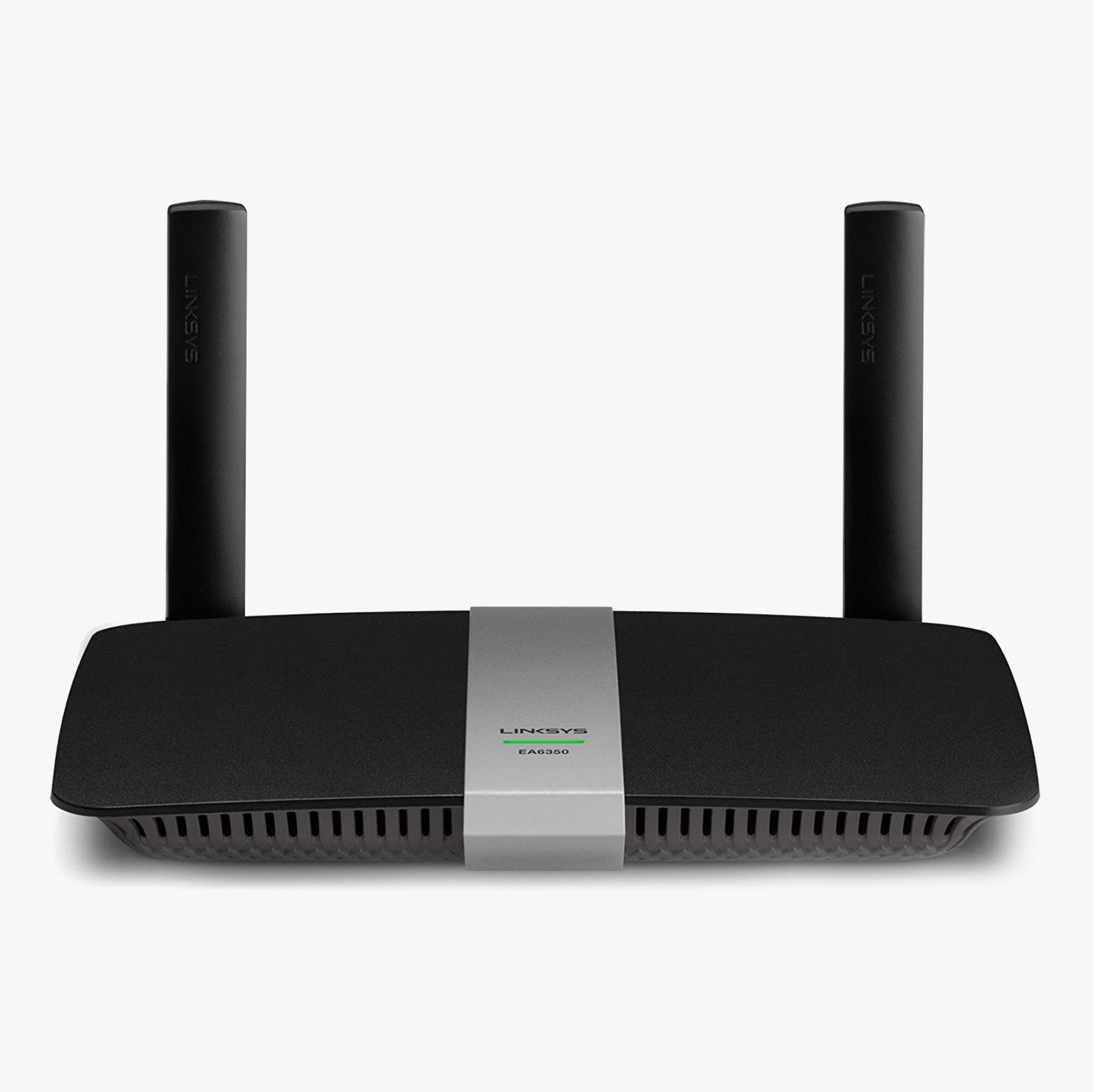
The Linksys EA6350 delivers AC speeds of up to N300 + AC867 Mbps and features Gigabit ports for a supercharged wired connection and USB 3.0. This powerhouse router covers wireless internet needs for most internet subscribers by delivering combined wireless internet speeds of up to 1000 Mbps. If it's time to upgrade your internet with a new router, this option is a great value.
Simultaneous Dual-Band WiFi (2.4GHz + 5 GHz) Dual Band technology promotes better signal strength and coverage in your home. An additional band also means fewer devices on one network, allowing for internet access less susceptible to lag and buffering.
Gigabit Ethernet Ports Transfer data 10x faster than Fast Ethernet, ensuring high-speed connectivity for wired devices.
USB 3.0 Port for Easy File Sharing Share files and add external storage across your network with the USB 3.0 port. USB 3.0 offers enhanced speeds over 2.0.
Enhanced Wireless Security Safeguard your network with wireless WPA/WPA2 encryption and an SPI firewall. Helps keep your network and information safe from malicious attacks so you can sleep easy.
Top Tier Parental Controls Options Schedule kids' time online and manage their online activity from anywhere with Smart Wi-Fi technology. Block specific devices from accessing the internet at the push of a button.
EA6350 Smooth Media Sharing & Fast Speeds The AC1200+ features dual wireless bands (2.4 GHz and 5 GHz) with data speeds up to N300 Mbps + AC867 Mbps, great for media-intense applications such as video streaming and online gaming.
Beamforming Technology Helps Alleviate Dead Zones & Increase Network Range Beamforming focuses the Wi-Fi signal directly to your smartphones, tablets, and laptops instead of sending out a general transmission. Plus, two detachable external antennas help strengthen the signal. The result is a more efficient network with a wider range. When your device doesn't have to work as hard to receive data, it means not only greater efficiency for you but also a longer battery life for your connected devices.
Customize and Remotely Manage Your Home Network From Anywhere With the Linksys App, you can closely monitor and manage your home WiFi remotely using a smartphone or tablet. Edit your network settings and monitor your devices.
What's Included:
Additional EA6350 Specs

Every Orbi series from the original RBK50 to the WiFi 7 970, side by side in one filterable chart. Coverage, speed, ports, backhaul, Armor, parenta...
NETGEAR sells three WiFi 7 Orbi systems at three very different prices. Here is what the extra money buys, and why most homes land on the 770.
Restarting your router fixes most slowdowns and dropped connections in about three minutes, and it keeps every setting intact. Here is the right or...
The S33 and S34 are the same modem except for one thing: the S34 supports mid-split uploads. Whether that matters depends entirely on your plan and...

Deco BE63 vs Orbi 770 is closer than the price gap suggests. One spec table, three 3-packs, and a WiFi 6 alternative for homes that do not need WiF...

Orbi 770 Series 3-pack fit check: the homes and plans it suits, the ones it does not, and what the subscription and warranty fine print means.