Sign in With Google: Pros, Cons, and Our Verdict
Sign in with Google is fast and secure, but it ties every connected app to one account. We weigh the pros and cons on ease of use, security, and pr...


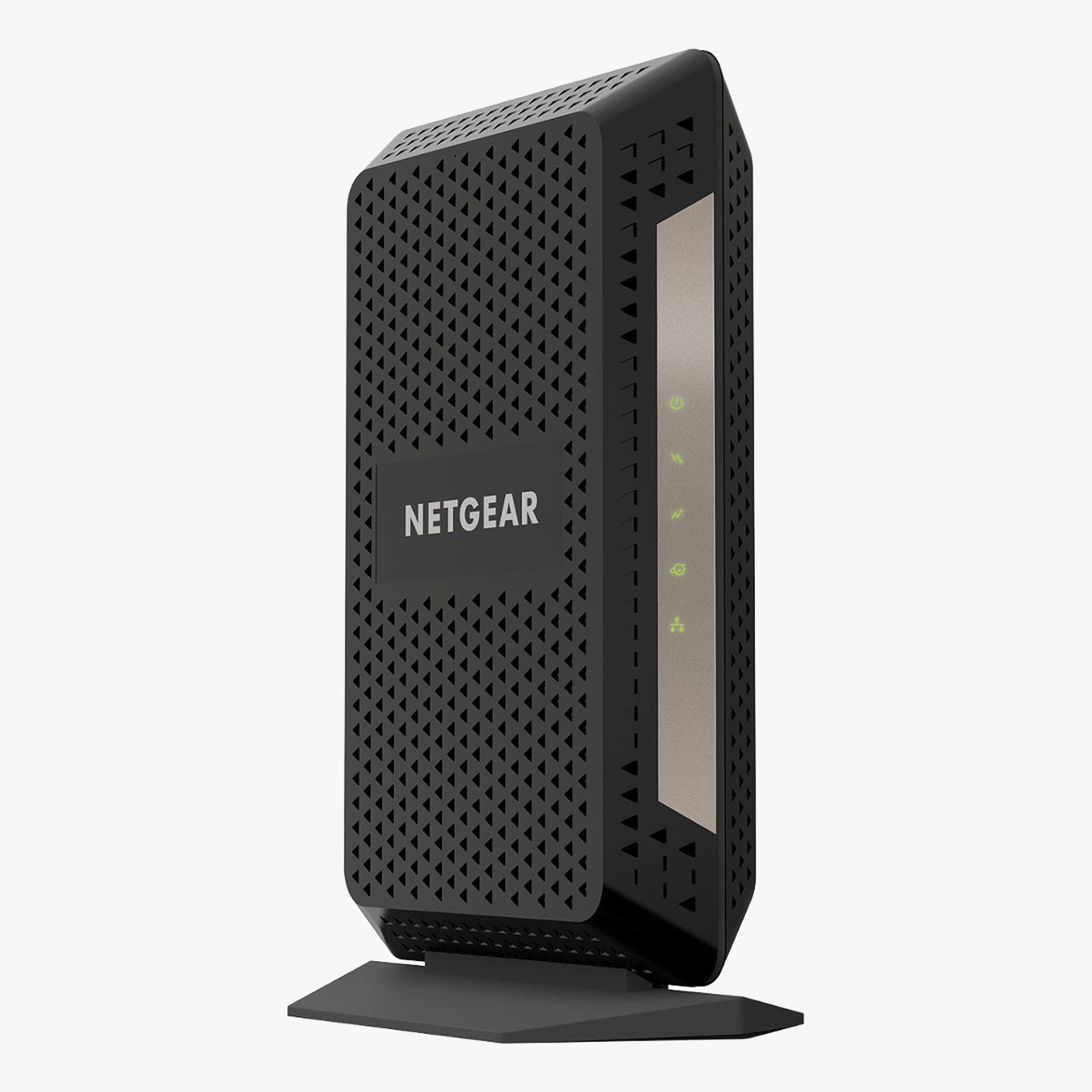
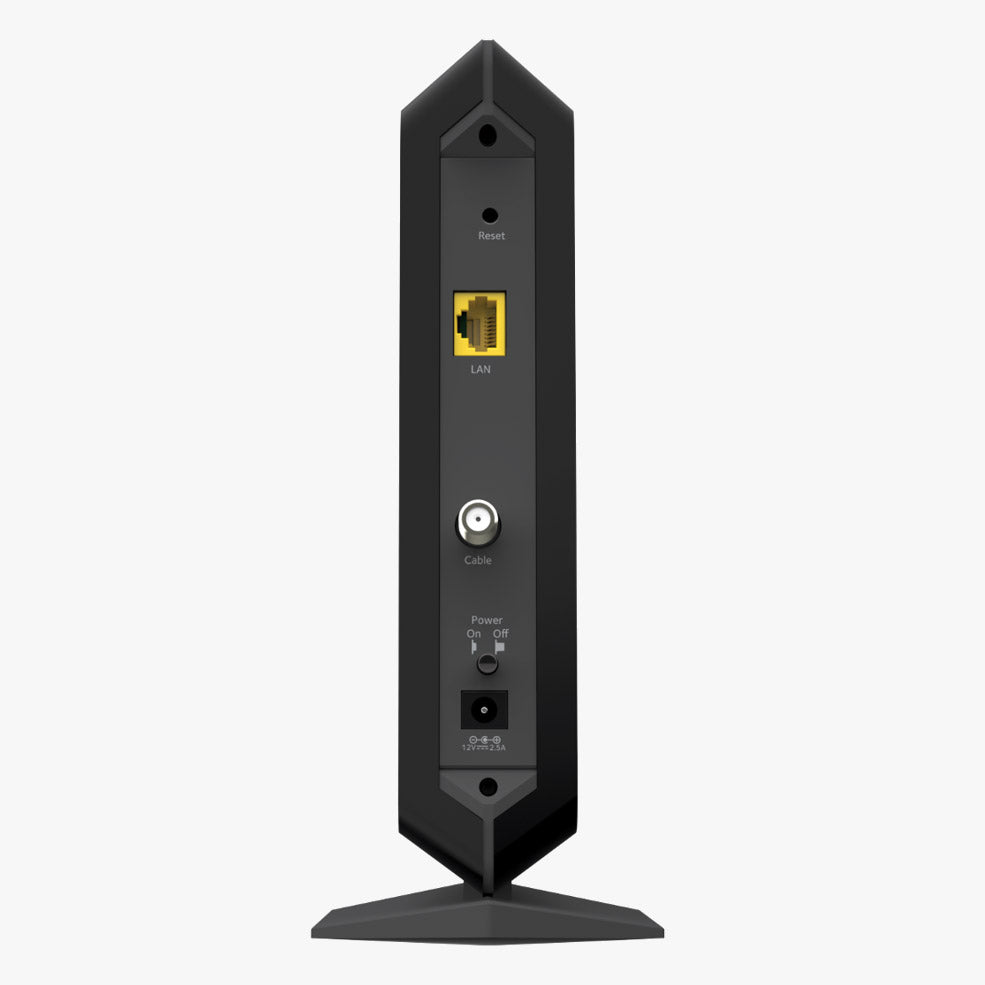
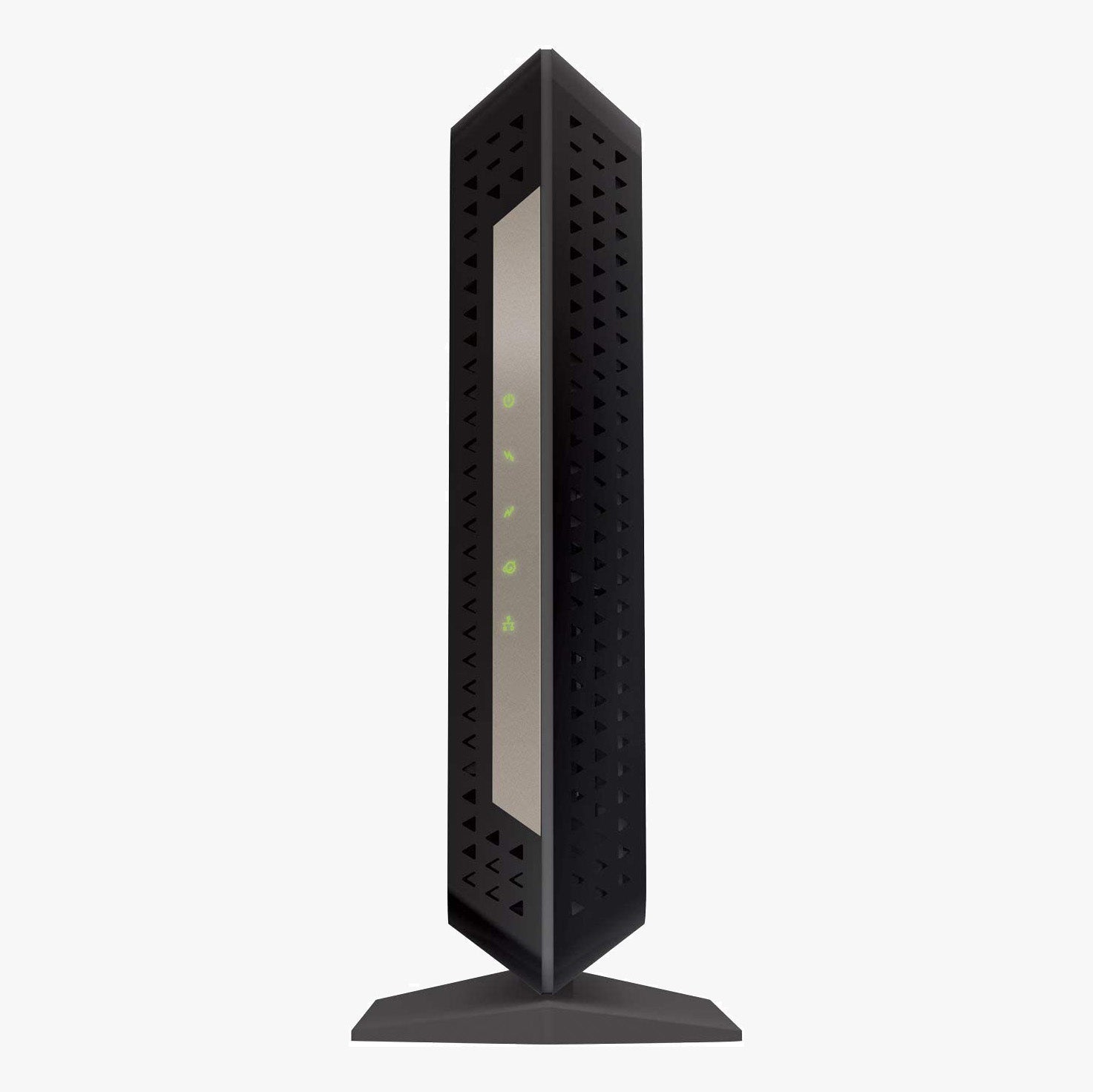
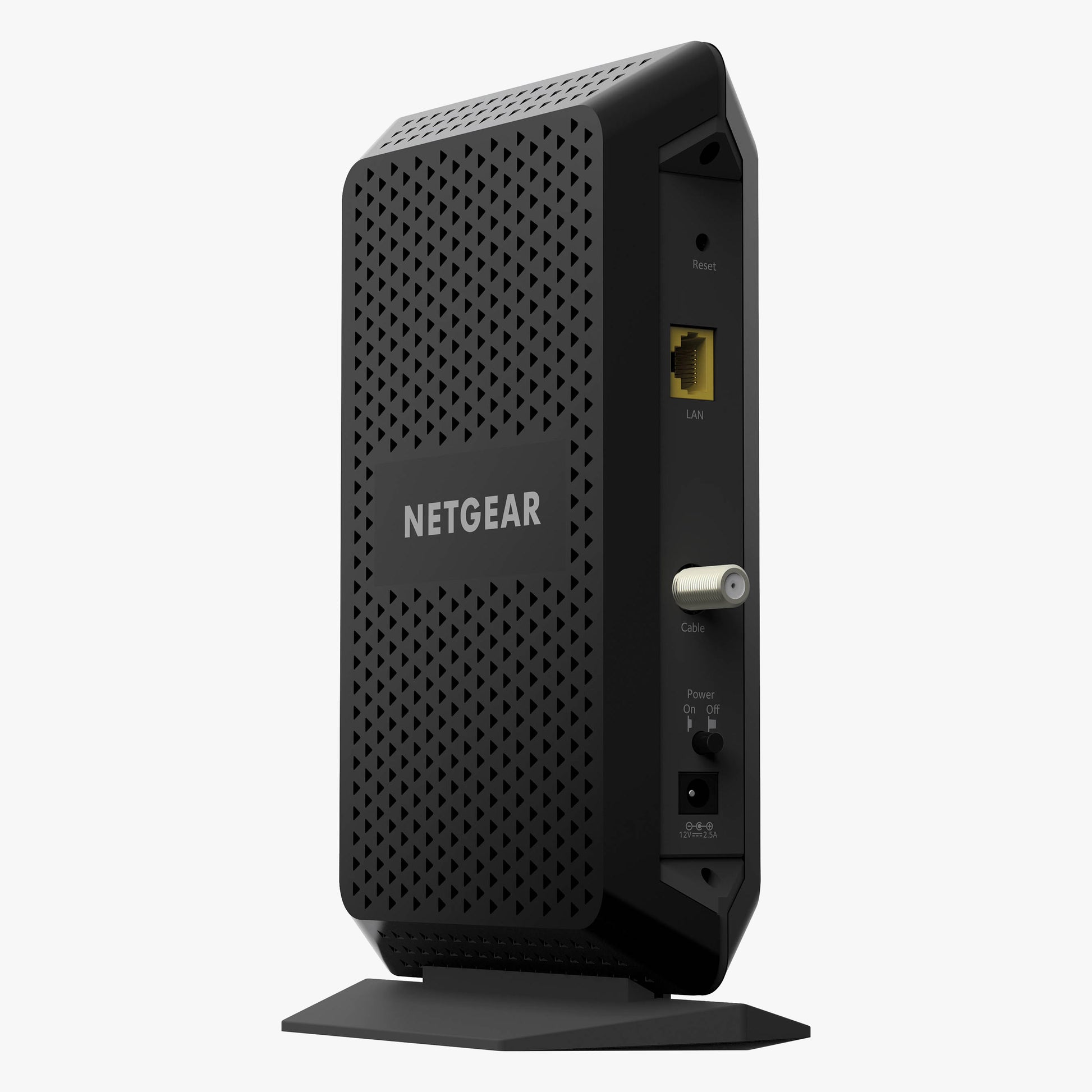
The Netgear CM1000 was one of the first DOCSIS 3.1 cable modems on the market, and the reason to buy one refurbished today is simple: full gigabit-class modem technology at a fraction of the price of a new unit. It is a pure modem, no built-in WiFi and no phone ports, which means nothing between your cable line and your router to slow things down, and no monthly rental fee on your bill.
Pair it with any wireless router you like. The router handles your WiFi; the CM1000 handles the connection to your provider.
| Model | Netgear CM1000-100NAS |
|---|---|
| Modem Standard | DOCSIS 3.1 (2x2 OFDM), falls back to 32x8 DOCSIS 3.0 |
| Max Plan Speed | Up to 1 Gbps download |
| Ethernet | 1x Gigabit port |
| WiFi / Phone | None (modem only, pair with your own router) |
| Best For | Gigabit and near-gigabit cable plans on Spectrum, Cox, and Sparklight |
DOCSIS 3.1 is the technology cable providers use to deliver their gigabit tiers, and it improves more than raw speed. OFDM channels make the connection more resistant to noise and congestion than older DOCSIS 3.0 hardware, which translates to steadier throughput at peak evening hours. On plans below gigabit, the CM1000 still pays off: it falls back to 32x8 channel bonding, the maximum DOCSIS 3.0 configuration, so mid-tier plans get full headroom too.
A standalone modem has real advantages over an all-in-one gateway. When you upgrade your WiFi, you replace only the router. When something needs a reboot, you know which box to power cycle. And because the CM1000 does one job, it does not compromise on it. Connect the gigabit Ethernet port to any router, from a basic dual-band unit to a whole-home mesh system, and your network is live.
No technician visit needed. Connect the coax line and power, then activate through your provider's app or a quick call with the modem's MAC address. Most activations finish in under fifteen minutes.
The CM1000 works with cable providers including Spectrum, Cox, Sparklight, WOW!, Astound, and Breezeline in most areas. Two important exceptions: Xfinity removed the original CM1000 from its approved list in April 2026, and Mediacom ended support in October 2024, so this modem is not the right choice for those two providers. Approved-modem lists change periodically, so confirm this model against your specific plan with your provider before ordering. As always, our activation guarantee has you covered: if your provider will not activate it, the return is on us.
No. It is a modem only. You connect your own wireless router to its gigabit Ethernet port, which gives you the freedom to choose exactly the WiFi hardware your home needs.
Not anymore. Xfinity removed the original CM1000 from its approved modem list in April 2026. If you are on Xfinity, choose a currently approved DOCSIS 3.1 model instead; our Xfinity collection has options that remain on the list.
Plans up to 1 Gbps. The single gigabit Ethernet port tops out around 940 Mbps of real-world throughput, which matches gigabit cable tiers. For multi-gig plans, you need a modem with a 2.5 Gbps port.
It helps even below gigabit speeds. DOCSIS 3.1 connections handle network congestion better than older hardware, and owning a 3.1 modem means you will not need new equipment if you upgrade your plan later.
No. The -100NAS suffix is the North American retail SKU of the same modem.
Yes. Every refurbished device we ship is tested, factory reset, and covered by our 90-day full-coverage warranty, plus our activation guarantee on modems.


Sign in with Google is fast and secure, but it ties every connected app to one account. We weigh the pros and cons on ease of use, security, and pr...

Prime Big Deal Days ended October 7, 2026. Here are the cable modem picks worth buying, the DOCSIS 3.0 models to skip, and what Spectrum customers ...

Prime Big Deal Days ended October 7, 2026, but these WiFi 7 router and mesh picks from TP-Link, NETGEAR, ASUS, and eero are still the ones to watch...
RuneScape and Old School RuneScape are not on console, but RuneScape: Dragonwilds is on Xbox Series X|S, PS5, and Switch 2. See every platform for ...
October is Cybersecurity Awareness Month, and the advice that matters fits on one page. Here are the four habits CISA wants everyone to adopt in 20...

500 Mbps is fast enough for a full house of 4K streaming, remote work, gaming, and smart devices. Here is what it handles, how long common download...