Can You Run Bonsai 2 27B Locally? A 27B Model in 6GB, With Three Catches
Bonsai 2 27B packs Qwen3.8-27B into 6GB. We checked the hardware it runs on, the runtimes it does not, and what the 98.2% figure leaves out.


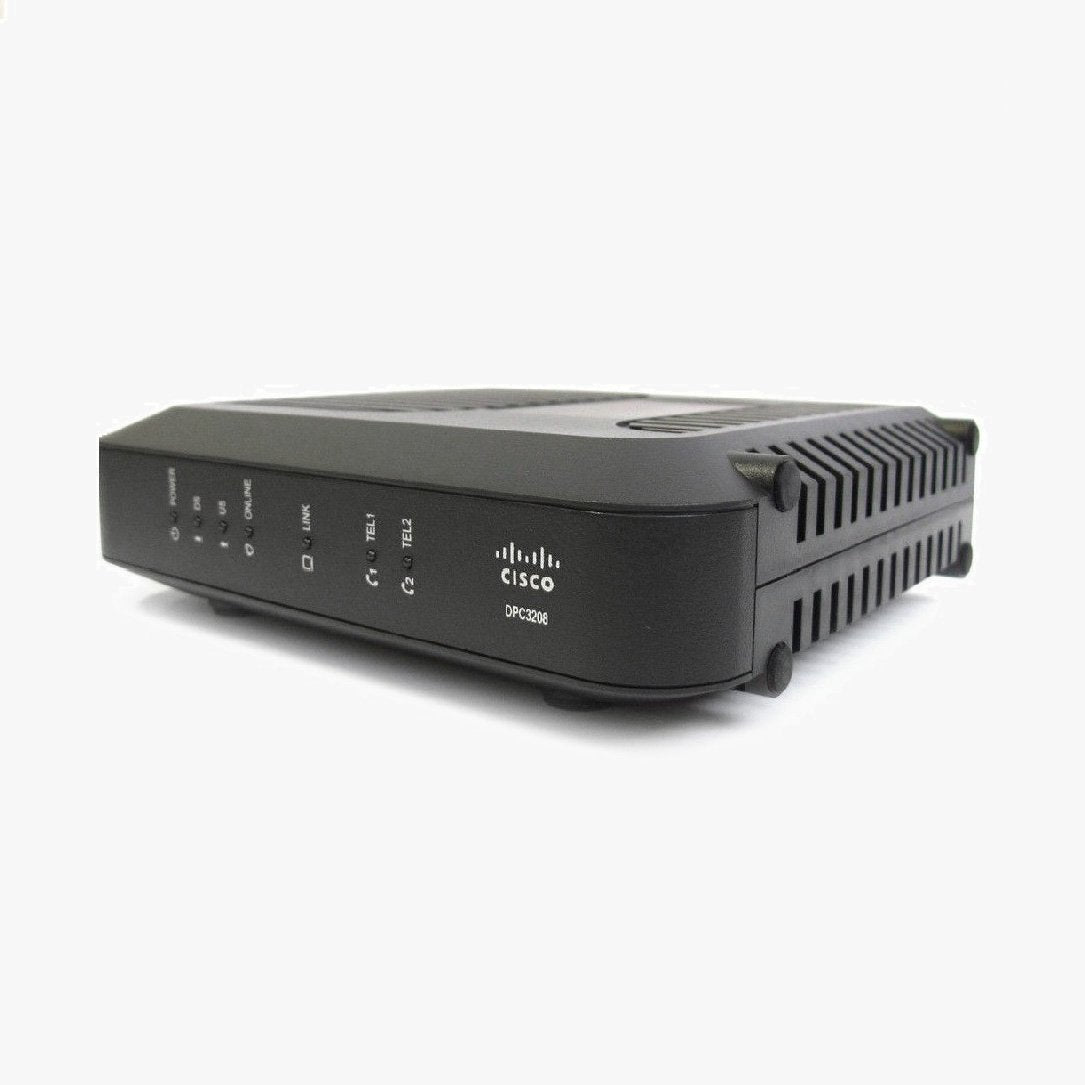
The Cisco® Model DPC3208 DOCSIS 3.0 8x4 Cable Modem (DPC3208) is a high-speed cable modem with an embedded digital voice adapter. The DPC3208 provides a faster connection to the Internet by incorporating eight bonded downstream channels along with four bonded upstream channels. These bonded channels deliver downstream data rates in excess of 340 Mbps. That’s up to eight times faster than conventional single channel DOCSIS® 2.0 cable modems. The DPC3208 uses advanced line-interface technology to provide multi-country, toll-quality telephone service using existing in-home wiring. The DPC3208 features single-line or two RJ-11 telephone ports for voice, and supports a total of 10 REN loading, 5 REN per phone line. Approved for use with Charter Spectrum / Time Warner Cable and Mediacom.
What's Included:
Cisco DPC3208 Cable Modem
Ethernet Cable
Power Supply Cable
Online Installation Manual
This Cisco modem is primarily used and is compatible with Charter, Spectrum, TWC & Mediacom service in most areas. To verify that this model will work in your area, always contact your service provider's customer service prior to placing your order with us to confirm that this model will work with your service plan. Some service plan speeds may not be supported.
Activating your Cisco DPC3208 is the first step you need to take after unboxing your new modem. It's a fairly simple process, and we recommend setting aside about an hour of your time to ensure you're able to complete the whole activation.
Resetting your Cisco DPC3208 is one of the easiest ways to correct almost all common technical issues that you may experience over the life of your modem. Here's how it's done:
How to Find Your IP Address: This method works on Windows computers and does not require any software to be downloaded. You'll be using command prompt to find the internal IP address so you can log into your WiFi router or modem router's settings panel.

Bonsai 2 27B packs Qwen3.8-27B into 6GB. We checked the hardware it runs on, the runtimes it does not, and what the 98.2% figure leaves out.
Every Orbi series from the original RBK50 to the WiFi 7 970, side by side in one filterable chart. Coverage, speed, ports, backhaul, Armor, parenta...
NETGEAR sells three WiFi 7 Orbi systems at three very different prices. Here is what the extra money buys, and why most homes land on the 770.
Restarting your router fixes most slowdowns and dropped connections in about three minutes, and it keeps every setting intact. Here is the right or...
The S33 and S34 are the same modem except for one thing: the S34 supports mid-split uploads. Whether that matters depends entirely on your plan and...

Deco BE63 vs Orbi 770 is closer than the price gap suggests. One spec table, three 3-packs, and a WiFi 6 alternative for homes that do not need WiF...