Orbi 770 vs 870 vs 970: Which NETGEAR WiFi 7 Mesh Fits Your Home
NETGEAR sells three WiFi 7 Orbi systems at three very different prices. Here is what the extra money buys, and why most homes land on the 770.


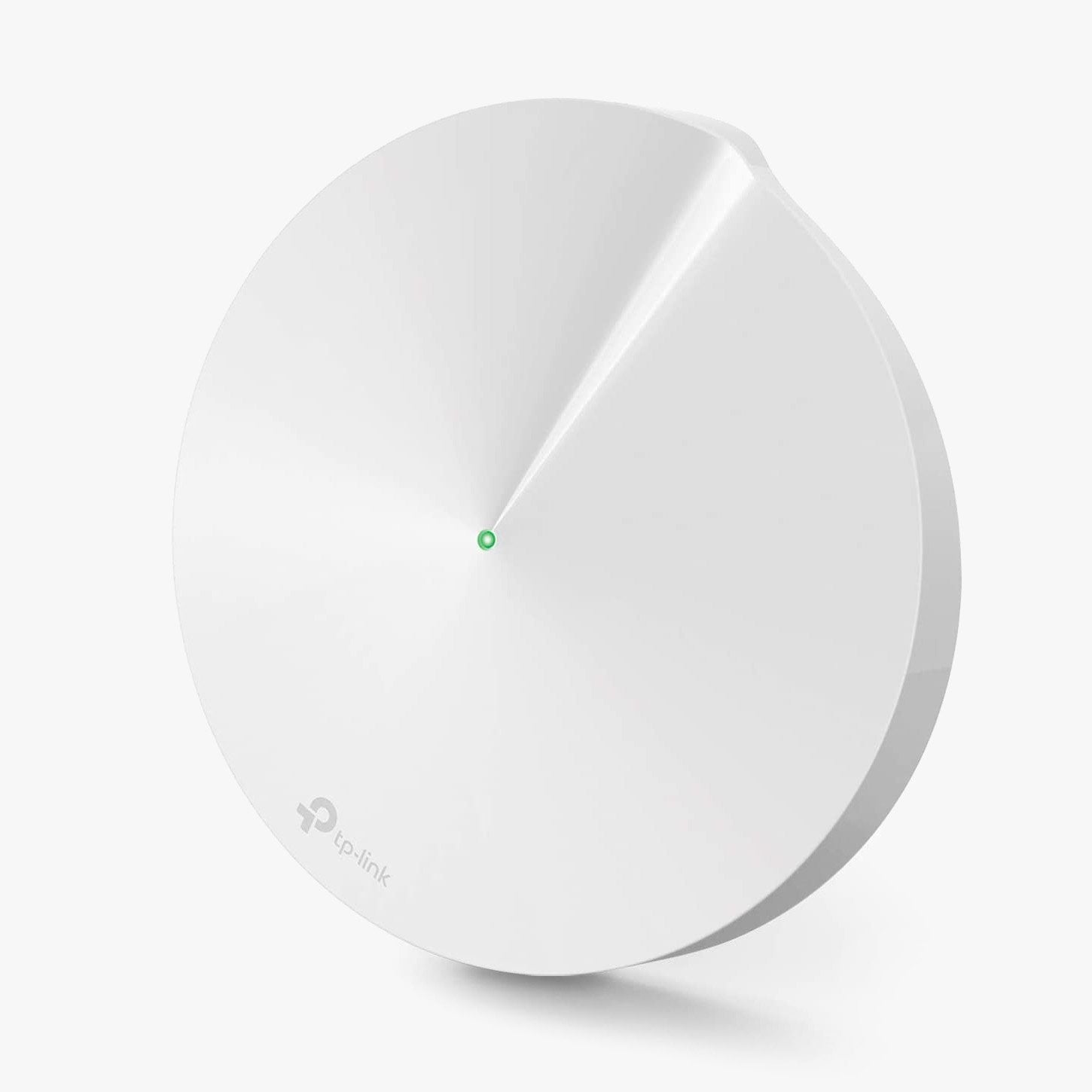
The TP-Link Deco M5 uses advanced mesh technology to cover your entire home in powerful WiFi. With multiple units working seamlessly together, Deco M5 creates a unified home network like nothing you’ve experienced before.
Deco M5 delivers WiFi coverage up to 5,500 sq. ft., reaching every corner of your home—from the bedroom to the backyard.* Eliminate weak spots and enjoy a consistently strong signal everywhere.
Each Deco unit acts as a router, keeping your network running fast. A Deco M5 system can support over 100 connected devices simultaneously without performance loss.*
Unlike traditional routers and extenders that require multiple network names and passwords, Deco M5 provides a single seamless WiFi network. Move from room to room without losing connection or needing to switch networks.
Protect your personal data and every connected device from online threats with Deco M5’s built-in security features. Manage guest and family access easily.
Deco M5 automatically adjusts to ensure the best connection when new devices join your network or when you move around your home.
Use the Deco app for iOS and Android to set up your Deco M5 in minutes. Universal compatibility ensures it works with any modem and ISP.
Works with Amazon Alexa to let you control your network with simple voice commands. Pause the internet, enforce bedtimes, or manage devices hands-free.
Monitor and manage your WiFi settings from anywhere with the Deco app. Keep full control of your network in just a few taps.

NETGEAR sells three WiFi 7 Orbi systems at three very different prices. Here is what the extra money buys, and why most homes land on the 770.
Restarting your router fixes most slowdowns and dropped connections in about three minutes, and it keeps every setting intact. Here is the right or...
The S33 and S34 are the same modem except for one thing: the S34 supports mid-split uploads. Whether that matters depends entirely on your plan and...

Deco BE63 vs Orbi 770 is closer than the price gap suggests. One spec table, three 3-packs, and a WiFi 6 alternative for homes that do not need WiF...

Orbi 770 Series 3-pack fit check: the homes and plans it suits, the ones it does not, and what the subscription and warranty fine print means.

Qwen3.8-27B now loads on 8GB of RAM, but the useful floor is 12GB and a 24GB GPU or Mac runs the full 4-bit build. Re-verified September 1, 2026, w...