Does Google Use Gmail for Ads? The October 2026 Privacy Policy Change, Explained
Google’s privacy policy changed on October 16, 2026. A five-year-old promise not to use your Gmail, Drive or Photos content for ads now carries an ...


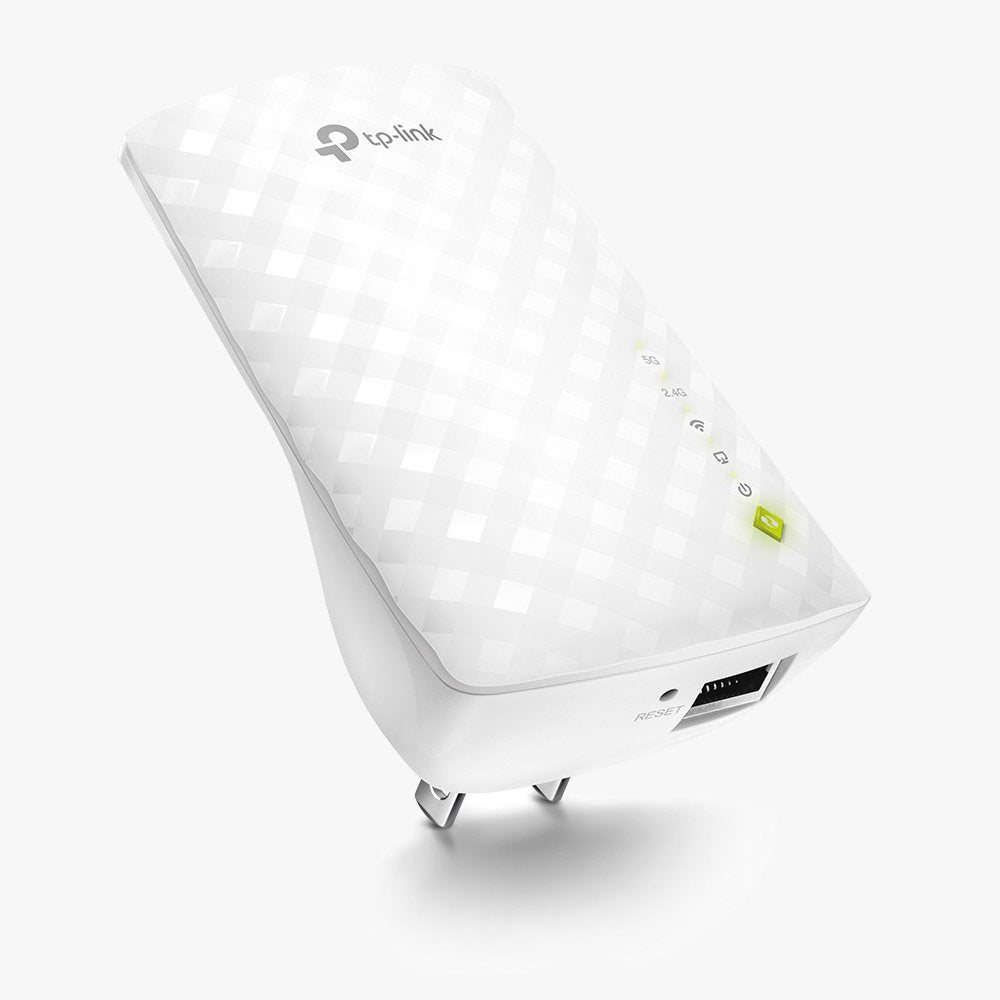
The TP-Link RE220 expands your network coverage to hard-to-reach areas, eliminating dead zones with dual-band WiFi speeds up to 750 Mbps. Perfect for streaming HD video, online gaming, and other bandwidth-intensive tasks, it features a compact wall-mounted design for easy installation and flexible placement. The built-in Ethernet port allows the RE220 to function as a wireless adapter for wired devices.
Wireless AC technology delivers faster, more reliable connections across your home. Dual 2.4 GHz and 5 GHz bands provide WiFi for up to 20 devices, ensuring stable performance for all your devices.
The Ethernet port can turn a wired internet connection into a wireless access point, or work as a wireless adapter to connect wired devices such as game consoles or smart TVs.
High Speed Mode uses one band as a dedicated backhaul and the other as an access point, maximizing bandwidth and performance for faster loading, smoother streaming, and reduced buffering.
Compatible with any WiFi router, mesh network, dual-band, or tri-band setup, making it easy to upgrade your network without compatibility concerns.

Google’s privacy policy changed on October 16, 2026. A five-year-old promise not to use your Gmail, Drive or Photos content for ads now carries an ...

MapQuest’s new Surveillance Layer shows license plate readers and outdoor cameras that no other major map app will. We looked at how the feature wo...
Sign in with Google is fast and secure, but it ties every connected app to one account. We weigh the pros and cons on ease of use, security, and pr...

Prime Big Deal Days ended October 7, 2026. Here are the cable modem picks worth buying, the DOCSIS 3.0 models to skip, and what Spectrum customers ...

Prime Big Deal Days ended October 7, 2026, but these WiFi 7 router and mesh picks from TP-Link, NETGEAR, ASUS, and eero are still the ones to watch...
RuneScape and Old School RuneScape are not on console, but RuneScape: Dragonwilds is on Xbox Series X|S, PS5, and Switch 2. See every platform for ...