Modem Router Combo Devices
A modem router combo, also called a gateway or all-in-one, combines a modem and a WiFi router in a single device. Instead of connecting two boxes with an Ethernet cable, you plug one unit into your wall connection and it handles both your internet service and your home WiFi network. This collection includes refurbished combo devices for cable, DSL, and fiber internet, each tested and verified to work on its supported networks.
Buying your own combo eliminates the equipment rental fee most providers charge, typically $10 to $15 per month, or up to $180 per year. Most gateways in this collection pay for themselves within the first year of ownership.
Why Buy Refurbished from ModemGuides
Every modem router combo we sell is Grade A refurbished, tested by hand in the US, and backed by a 90-day full-coverage warranty. Since 2015, we have been rehoming quality networking equipment instead of letting it end up in landfills, so you get proven hardware at a fraction of the retail price. Supported models also qualify for our activation guarantee, and our US-based support team is available by chat and email if you hit a snag during setup.
Benefits of an All-in-One Gateway
-
Lower monthly bill: Owning your gateway removes the recurring rental charge from your internet bill for good.
-
Simpler setup: One device, one power outlet, one login. There is no separate modem and router to configure or troubleshoot.
-
Less clutter: A single unit takes up less space and eliminates the extra cabling of a two-device setup.
-
Easier management: Firmware updates, WiFi settings, and parental controls all live in one interface or app.
Match the Combo to Your Connection Type
The first step in choosing a gateway is knowing what kind of internet service comes into your home. Each connection type uses different modem technology.
-
Cable: Uses a coax connection and the DOCSIS standard. DOCSIS 3.1 is required for gigabit plans and is the best choice for future-proofing, while DOCSIS 3.0 remains a budget-friendly option for plans up to roughly 400 to 600 Mbps. Cable combos work with providers like Xfinity, Cox, Spectrum, Mediacom, and Sparklight.
-
DSL: Runs over a phone line using ADSL2+ or VDSL2 technology. DSL gateways are often built for specific providers, so match the model to your service with CenturyLink, Brightspeed, Frontier, Windstream, or another DSL carrier, and confirm it supports the DSL standard serving your address.
-
Fiber: Connects to the optical network terminal (ONT) your provider installs and handles routing and WiFi for the whole home. Fiber gateways are typically provider-specific, such as models built for Verizon Fios or CenturyLink and Brightspeed fiber plans.
WiFi and Hardware Specs to Look For
-
WiFi 6 (AX): Handles more devices at once with better speed and range. The right pick for busy households.
-
WiFi 5 (AC): Adequate for smaller homes and lighter internet use at a lower price point.
-
Ethernet ports: Check the port count if you plan to hard-wire devices like a desktop PC, smart TV, or game console.
-
Phone jacks: If you have voice service through your provider, look for a telephony model, since standard combos do not support provider phone plans.
Check Provider Compatibility Before You Buy
Every internet provider maintains its own list of approved or supported equipment, and some fiber and DSL carriers only support specific gateway models. Confirm the device is certified for your provider and speed tier before ordering. Product pages in this collection list compatible providers to make that check easy.
Combo vs. Separate Modem and Router
A combo is the right choice if you want the simplest setup and the lowest upfront cost. A separate cable modem and wireless router make sense if you want to upgrade your WiFi independently later or need advanced routing features. If you are leaning toward separates, our guide to the best DOCSIS 3.1 modems compares the top standalone picks by speed tier. And if you are not sure whether your current equipment is due for an upgrade, our guide on how long modems last covers the warning signs.
Frequently Asked Questions
Is a modem router combo better than a separate modem and router?
For most households, yes. A combo costs less upfront, takes minutes to set up, and covers everything a typical home network needs. Separates are better if you want to upgrade the WiFi half independently or need advanced features like a dedicated gaming router or mesh system.
What is the difference between a gateway and a modem router combo?
Nothing. Gateway, all-in-one, and modem router combo are three names for the same device: a single unit that contains both a modem and a WiFi router.
Do modem router combos work with Xfinity, Spectrum, and Cox?
Yes. Any cable combo with the right DOCSIS version works on Xfinity, Spectrum, Cox, and most other US cable providers, as long as the specific model appears on your provider's approved equipment list. Each product page in this collection lists its compatible providers.
Will buying my own gateway stop the monthly rental fee?
Yes. Once your own gateway is activated, return the rented unit to your provider and the equipment fee comes off your bill. At $10 to $15 per month, most combos in this collection pay for themselves in under a year.
Do modem router combos work with fiber internet?
Some do. Fiber service uses an ONT instead of a modem, so fiber gateways handle the routing and WiFi behind it and are usually provider-specific. Check the Verizon Fios and CenturyLink models in this collection if you are on fiber.
Questions about a specific model or provider? Our US-based support team can help before you order.




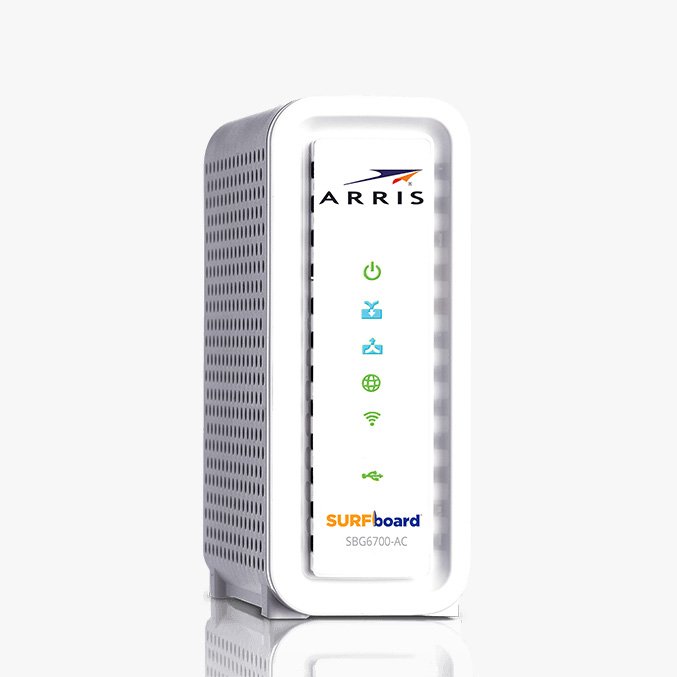


 Wireless Routers
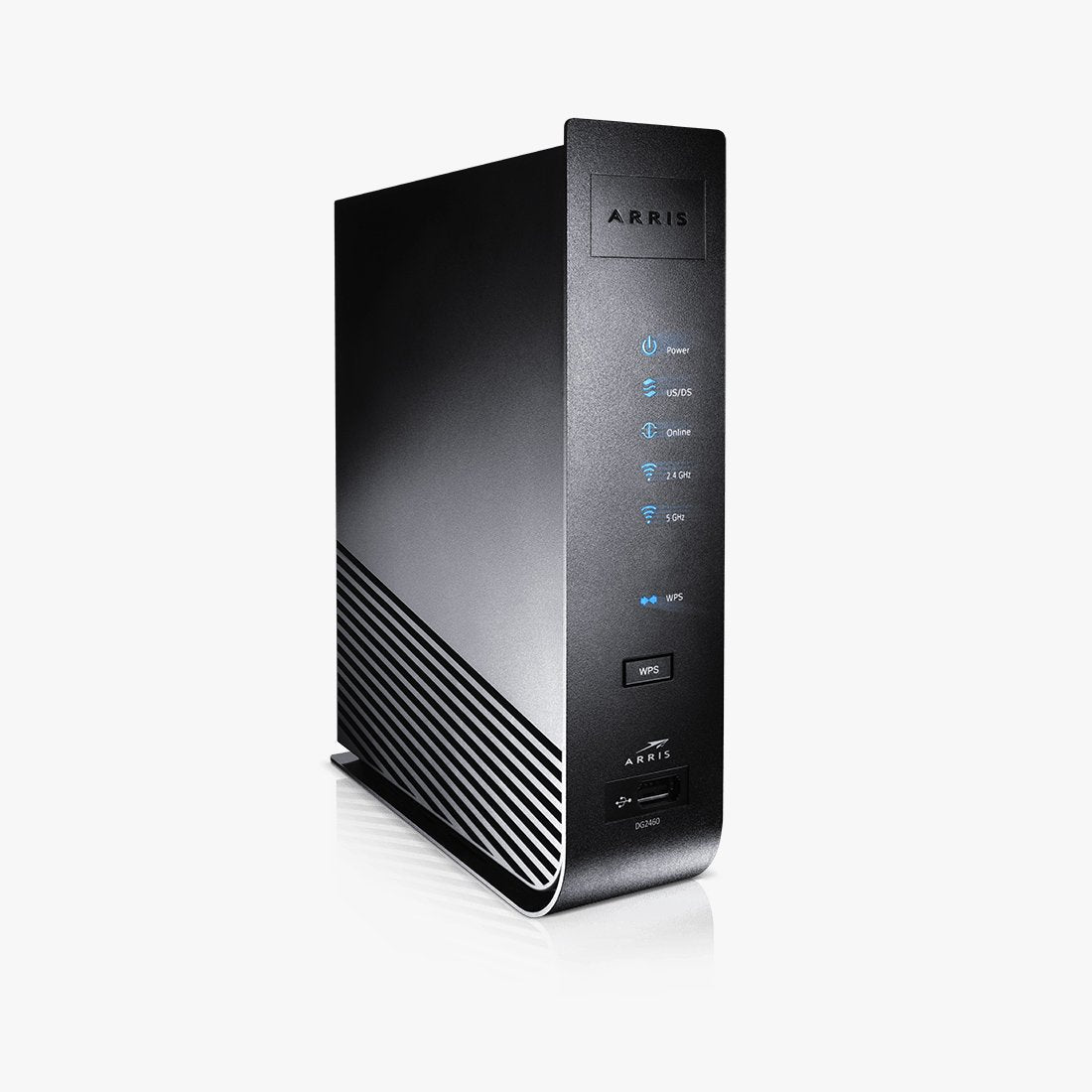 Cable Modems
 DSL Modems
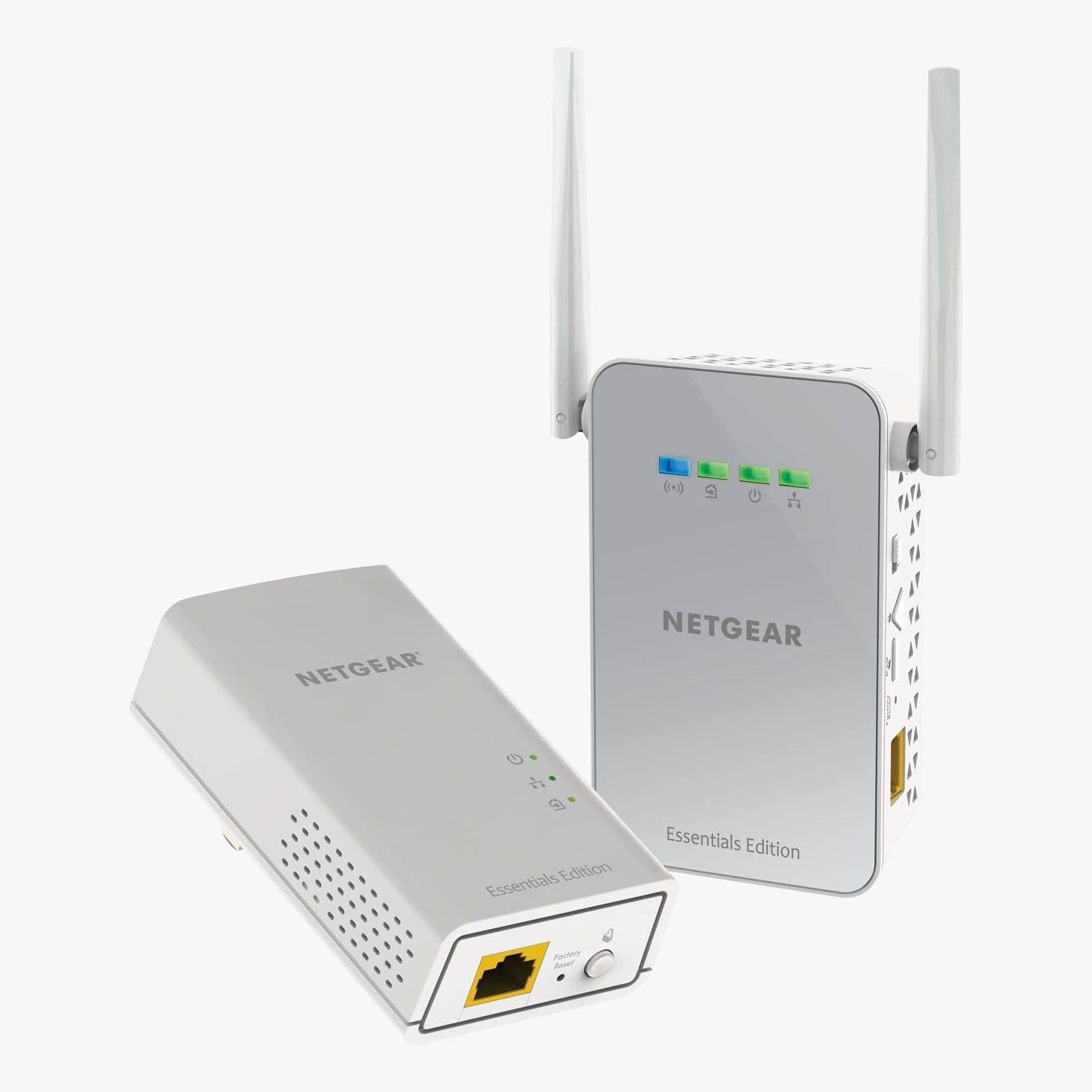 WiFi Range Extenders

